
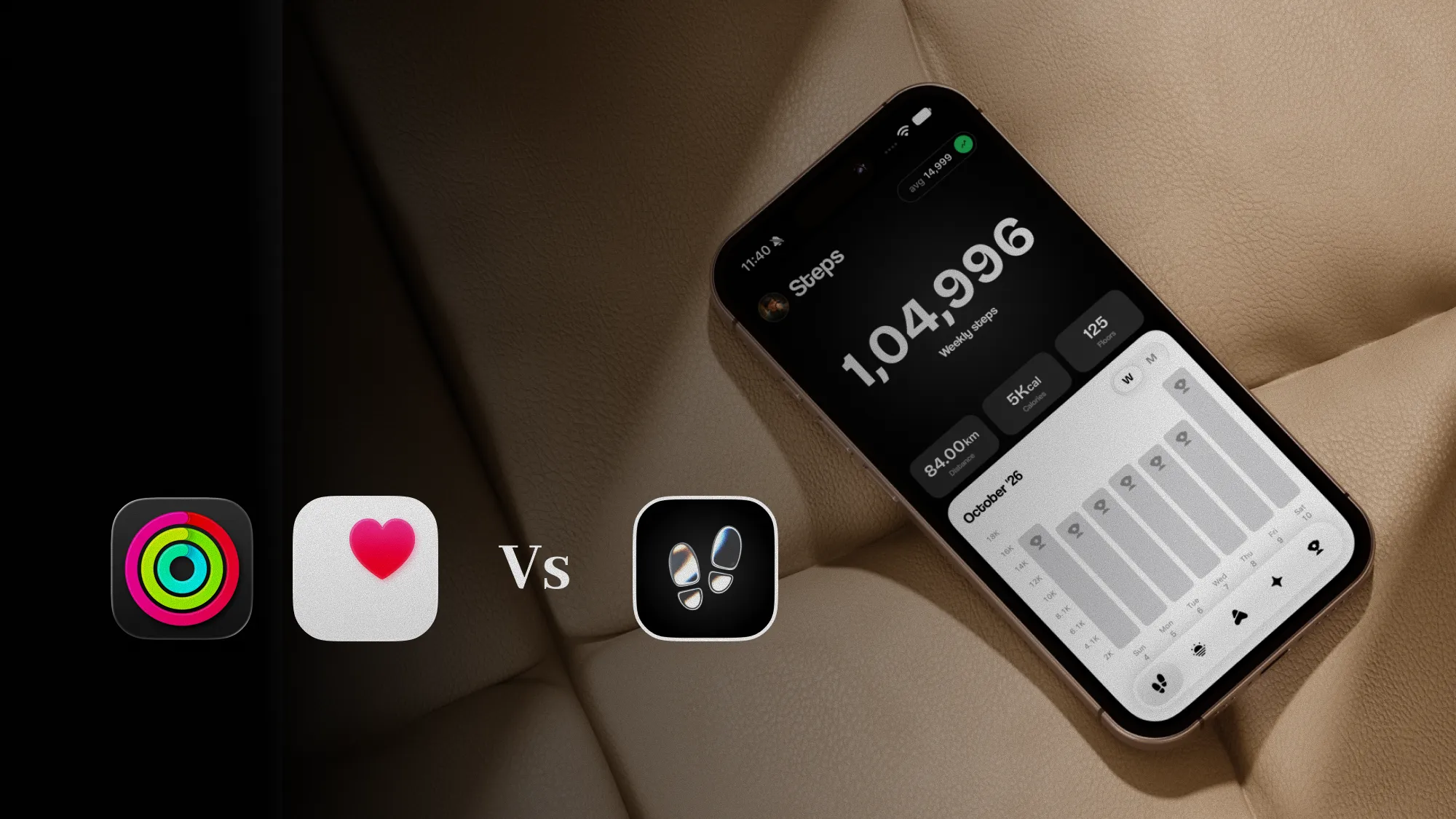
We make StepUp, a step app for iPhone, so we aren't neutral on this question. To keep it fair, we start with what Apple Health already does well, and Apple's apps were checked against their own App Store listings on 2 November 2026. Where a listing doesn't say whether an app does something, we say so rather than guess.
What Apple Health already does well
More than it gets credit for. Health doesn't count your steps itself: your iPhone does, with its motion chip, whenever it's on you, and Health is where each day's total is kept. Counting steps on iPhone explains how that count works. Here's what you get without installing anything:
- An accurate count, for free. The steps a step app shows you are the steps your iPhone already counted. No app counts better on the same phone, because they all start from the same sensor data.
- Your whole history. Charts by day, week, month and year, kept in step across your devices with iCloud and encrypted on the way and on Apple's servers.
- Trends and Highlights. Health tells you whether your steps are rising or falling over time, and points out changes worth a look.
- How you walk, not just how much. Carry your iPhone in a pocket and Health also records your walking speed, step length, double support time and walking asymmetry, and turns them into a Walking Steadiness estimate. Walking Steadiness and asymmetry on iPhone explains what those mean.
- One count from your iPhone and your Watch. Wear both and Health merges them, without counting a step twice.
- Sharing. You can share your steps with family, or with someone who cares for you, from inside Health.
If you open Health now and then to see how you did, that's a complete step tracker, and you don't need anything else.
What Health doesn't do with your steps
Health is a record. It tells you what happened and leaves the rest to you. Going by its App Store listing:
- No step goal. The only goal its listing names is for sleep. Apple's daily goal lives in the Fitness app, as the Move ring, and it's counted in calories, not steps.
- No streaks or nudges. Nothing in its listing tells you you're 2,000 steps short at 6 pm, or that you've walked five days running.
- Not at a glance. Your steps sit among dozens of other records, from sleep to medications. Seeing today's count means opening Health and finding it.
- No walk recording. Health keeps the walks that Fitness, a Watch or a step app record, but doesn't record them itself.
- Little on what the numbers mean for you. Health shows your walking speed, but not whether that counts as brisk, or how today compares with a usual day for you.
Those gaps are what a step app is for. It doesn't replace Health: it reads the count Health keeps, with your permission, and builds on it.
The apps

Best if you just want the record
Apple Health
By Apple
- Price
- Free, and already on every iPhone
- Best for
- Seeing today's steps and years of history, with nothing to install
Good
- Keeps the count your iPhone and Apple Watch make, without counting a step twice
- Charts by day, week, month and year, with trend analysis
- Highlights on your steps
- Walking speed, step length, asymmetry and Walking Steadiness from your iPhone
- Share your data with family or a carer
Less good
- The only goal its listing names is for sleep, not steps
- Its listing doesn't mention streaks, reminders to walk or step widgets
- Doesn't record walks itself
- Steps sit among dozens of other health records
Best for a step goal that fits you
StepUp
Made by us, the makers of StepUp
- Price
- Free, with optional StepUp Pro
- Best for
- People who are happy with Health's count, but want a goal, a nudge and a glance at it
Good
- Reads your steps from Health, so there's no second count to trust
- A weekly walking plan from your real history, asking no more than 10% more each week
- Streaks, reminders to walk and a weekly recap
- Step count widget on the Home Screen and goal widgets on the Lock Screen, free
- Metrics that explain Health's numbers, such as Tempo for how brisk you walk and Evenness for your asymmetry
- Records walks with their route, and saves them to Health
- Your steps and walks never reach our servers
Less good
- Needs iOS 17 or later
- Two of its nine metrics, Effort and Fitness, need an Apple Watch
- The walking plan and Golden Hour are free for your first week, then need Pro, as do four metrics, the bigger widgets and some routes

Best if you like Apple's rings
Apple Fitness
By Apple
- Price
- Free, with optional Apple Fitness+
- Best for
- A daily goal and recorded walks, without leaving Apple's apps
Good
- Already on your iPhone
- A Move ring, filled by the active calories your iPhone estimates
- Records walks with pace, distance and a route map
- Awards, and competitions with friends
- Rings you can pause, or set for each day of the week
Less good
- Its goal is calories, not steps
- The Exercise and Stand rings need an Apple Watch
- Fitness+ workouts are a paid subscription
Side by side
| Feature | Apple Health | Apple Fitness | StepUp |
|---|---|---|---|
| Price | Built in | Built in, optional Fitness+ | Free, optional Pro |
| Your step count | Keeps it, from iPhone and Watch | Reads it from Health | Reads it from Health |
| Daily goal | None for steps | Move ring, in calories | Steps, built from your history |
| Streaks or awards | Not stated | Awards | Streaks |
| Reminders to walk | Not stated | Not stated | Yes |
| Step widgets | Not stated | Not stated | Home and Lock Screen |
| Records a walk on iPhone | No | Yes, with a route map | Yes, with the route |
| How you walk | Speed, step length, asymmetry, double support, Steadiness | Pace and distance on workouts | Nine metrics built on Health's readings |
| With an Apple Watch | Collects its data | Activity and Workout apps | Watch app with its own walks, 8 complications |
| Needs | Any iPhone | Any iPhone | iOS 17 or later |
"Not stated" means the App Store listing doesn't say, not that the app can't.
Does a step app count steps more accurately than Health?
No. On an iPhone, every step app starts from the same motion data, and most simply read the total Health keeps. When an app shows a different number from Health, it's usually reading a different source, such as your phone's steps without your Watch's, or it hasn't caught up with the last few minutes yet. A step app can't find steps your phone wasn't there for, either: if it sat on a desk all afternoon, no app will count that afternoon's walking around the office.
So don't pick a step app for its accuracy. Pick one for what it does with the count.
Is it safe to give a step app your Health data?
Health asks you, type by type, what each app may read and what it may write, and you can change your answers at any time in Health's privacy settings. An app only sees what you allow, and Apple's App Store rules don't let apps use Health data for advertising. Before you allow anything, read the app's privacy label on its App Store page, which says what it collects and whether it's linked to you.
StepUp asks to read your steps and the walking data its metrics are built on, works out every metric on your iPhone, and saves the walks it records to Health. Your steps and walks never reach our servers.
Which should you use?
- You look at your steps now and then: Apple Health. Add Steps to your Favourites on Health's Summary, and it's the first thing you see.
- You want a daily goal and like closing rings: Apple Fitness, as long as a calorie goal suits you.
- You want to record walks with a map, for free: Apple Fitness again. It's already on your phone.
- You want a step goal you can see without opening an app, and one that isn't 10,000: a step app. StepUp starts from what you walk now and asks a little more each week. Why fixed step goals fail explains the idea, and the daily step goal calculator gives you a number to start with today.
- You want to know what Health's walking numbers mean: StepUp's metrics put them in plain words. Walking metrics, explained goes through all nine.
- You'd like to see every option: our best step counter apps for iPhone compares seven, from Pedometer++ to WeWard.
How we checked
Apple Health and Apple Fitness were checked against their US App Store listings on 2 November 2026 (Health 2.9 and Fitness 8.5), and against what Health shows on an iPhone. Where we say a listing doesn't mention something, the app may still do it, and we've marked it "Not stated" in the table rather than "No". StepUp's details come from the app itself, at version 1.0.1. We haven't compared step counts between the apps, because on iPhone they all start from the same sensor data. Apple changes its apps every year, so we'll check these again at least every three months.
Questions
Is Apple Health a good step counter?
Yes. Your iPhone counts your steps whenever it's on you, and Health keeps every day's total for free, with charts, trends and your walking steadiness. It's as accurate as any step app on the same phone, because step apps read the same count. What it doesn't have is a step goal or streaks.
Can you set a step goal in Apple Health?
Not going by its App Store listing, where the only goal named is for sleep. Apple's daily goal is the Move ring in the Fitness app, which is counted in calories. For a goal in steps you need a step app, and most of them read your steps from Health.
Do step counter apps use Apple Health data?
Most do. With your permission, they read the steps your iPhone and Apple Watch saved to Health, which is why they show the same count. Health asks you, type by type, what each app may read and write, and you can change that at any time.
Is a step app more accurate than Apple Health?
No. On an iPhone they all start from the same motion data, so no app finds steps Health missed. If an app's number differs from Health's, it's usually reading only your phone and not your Watch, or hasn't caught up yet. Pick a step app for what it does with the count.
Does StepUp replace Apple Health?
No. StepUp reads your steps from Health and saves the walks it records back to Health, so Health stays the full record. What it adds is a goal built from your own walking, widgets, streaks and metrics that explain Health's numbers. StepUp is free to download on the App Store.
Sources
Written by Dheeraj Kumar Sharma, who makes StepUp. How the guides are written.