
You don't need a watch, a band or an app to count your steps. If you carry an iPhone, it has been counting them for you all along, quietly, in the background, and keeping every day's total in the Health app.
This guide explains how that works: where to find your steps, how accurate the count is, when it misses steps, why it doesn't always match an Apple Watch, and how to get the most out of the numbers.
Does iPhone count steps on its own?
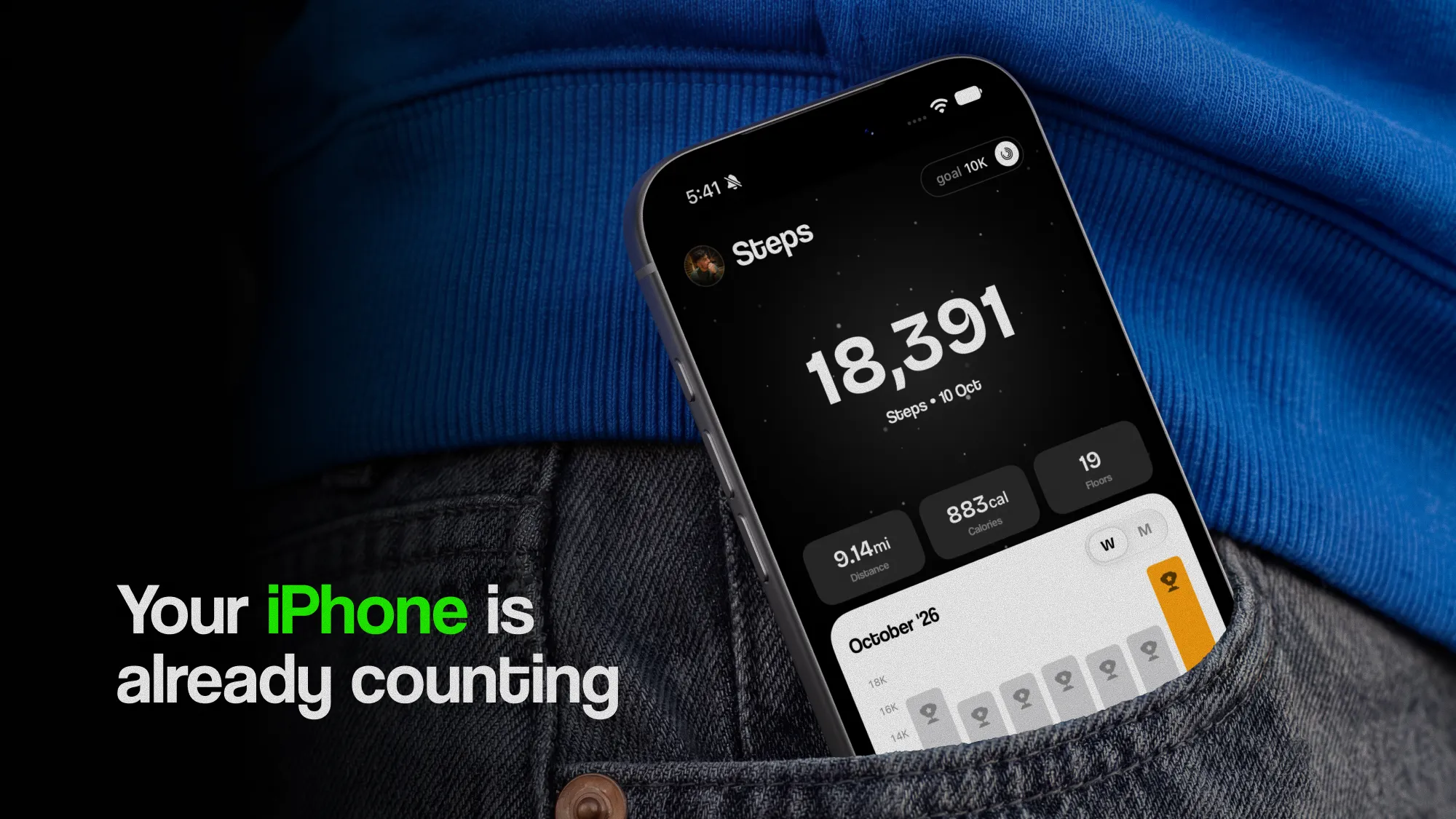
Yes. Every iPhone since the iPhone 5s, released in 2013, has had a low-power motion chip whose job is to notice movement while the rest of the phone sleeps. It counts steps all day without draining the battery, and since iOS 8 the Health app has recorded them automatically.
There's nothing to start or stop. You don't open an app before a walk or press a button when you get home. As long as the phone is on you, the steps are counted, and they're there in Health whenever you look.
That's also why most iPhone owners already have years of step history without ever setting anything up.
How does your iPhone count steps?
Inside the phone is an accelerometer, a sensor that measures movement in every direction. Each time your foot strikes the ground, your body gives a small, regular jolt. The motion chip looks for that rhythm and counts each beat as a step, while ignoring movement that doesn't fit the pattern, like the phone sliding around a bag or being picked up off a table.
From the same data, the iPhone also works out:
- Walking + running distance, estimated from your steps and the length of your stride.
- Flights climbed, from the barometer in iPhone 6 and later, which senses the small change in air pressure as you go up a storey.
- Walking speed, step length, double support time and walking asymmetry, on iPhone 8 and later, measured when the phone is in a pocket near your waist.
Health then turns that last group into Walking Steadiness, an estimate of your fall risk over the next year.
Where do you find your steps on iPhone?
In the Health app:
- Open Health and tap Browse.
- Tap Activity, then Steps.
- Switch between D, W, M, 6M and Y at the top to see a day, a week, a month, six months or a year.
The weekly and monthly views show a daily average, which is the number to use when you set a goal: a single day is too noisy. To keep steps on your Summary screen, scroll to the bottom of the Steps page and tap Add to Favourites.
Distance is beside Steps under Activity, as is Flights Climbed. The walking measurements, including Walking Steadiness, are under Browse › Mobility.
Why isn't my iPhone counting steps?
If Health shows no steps at all, or stopped recording on a certain day, check these in order:
- Fitness Tracking is on. Go to Settings › Privacy & Security › Motion & Fitness and make sure Fitness Tracking is switched on, and Health is allowed below it.
- The phone was with you. A phone left on a desk, on a charger or in a car doesn't count the steps you take without it.
- The app has permission. If Health has steps but another app doesn't show them, open Health, tap your picture, then Apps under Privacy, choose the app and turn on Steps. Apple doesn't tell apps which permissions you turned off, so an app usually can't warn you. It just shows nothing.
A restart fixes the rare day when the count freezes. If Health has the right number and another app doesn't, the problem is that app, not your phone.
How accurate is the iPhone step counter?
Accurate enough to trust, as long as it's in your pocket or bag. Two independent studies are worth knowing:
- Case et al., 2015. Fourteen adults walked 500 and 1,500 steps on a treadmill, counted by hand, while carrying smartphones and wearing popular fitness bands. The phones' counts were within about 7% of the real number, either way. One of the wrist bands counted more than a fifth too few.
- Höchsmann et al., 2018. Twenty adults, aged 18 to 70, walked on a treadmill at several speeds and on an outdoor course, filmed so every step could be counted. An iPhone was accurate from a slow 3.2 km/h (2 mph) up, and it didn't matter whether it was in a trouser pocket, a shoulder bag or a backpack.
For a daily total, an error of a few percent is a few hundred steps on a 7,000-step day. That matters less than it sounds: what tells you something is how your average moves from week to week, and any small, steady error cancels out of that comparison.
When does iPhone miss steps?
Almost always for the same reason: the phone wasn't on you. The commonest gaps are:
- Around the house. The phone on the kitchen counter while you cook, clean or put children to bed. These steps add up to a thousand or more on many days.
- At work. A phone left on a desk misses every trip to the printer, the kitchen and the meeting room.
- Exercise without it. A swim, a gym class or a game of football with the phone in a locker.
- On a treadmill, with the phone on the console. It sits still while you walk, so it counts nothing. Keep it in your pocket instead.
- Pushing a pram or trolley with the phone on it. Clipped to the handle, it moves too smoothly to count. In your pocket, it counts normally.
It can also count a few steps you didn't take, typically on a bumpy bus ride or while jogging on the spot with the phone in your hand. These are usually a handful, not hundreds.
So an iPhone's total tends to run a little low, not high. If your count looks surprisingly small for an active day, think about where the phone was.
Why don't my iPhone and Apple Watch agree?
Because they're counting different things. The Watch is on your wrist all day, so it catches the steps the phone misses when it's on a table. But because it reads your arm rather than your hips, it has its own blind spots: pushing a pram or a trolley, with your wrists still, it can miss steps the phone in your pocket counts. On most days, though, the Watch's total is the higher one.
Health doesn't add the two together, so you never get double steps. Instead, where both recorded the same minutes, it uses whichever source is higher in its list and fills the gaps from the other. Apple's default order puts anything you enter by hand first, then your iPhone and Apple Watch, then other apps and devices.
To see or change the order, open Health › Browse › Activity › Steps, scroll down to Data Sources & Access, tap Edit and drag a source up or down. Most people with a Watch leave it at the top, because it's on them more of the time.
Do you need a step counter app?
Not to count steps: your iPhone already does that, and every step app reads from the same place. A pedometer app on the App Store doesn't make your iPhone count more accurately. What it changes is what you do with the number.
The Health app shows you totals and averages. What it doesn't do is tell you what to aim for, notice when you're slipping, or give you a reason to go out today. That's what a good step app is for: a goal set from your real walking, a streak, a weekly look back, and widgets that put your count on your Home Screen and Lock Screen, so you see it without opening anything.
If you use one, check that it reads from Apple Health rather than counting on its own, so every app you use shows the same number.
What else does iPhone measure when you walk?
More than steps. Carried in a pocket near your waist, an iPhone 8 or later records how you walk, not just how much:
| In Health | What it is |
|---|---|
| Walking Speed | How fast you walk on flat ground |
| Walking Step Length | The distance from one foot to the other with each step |
| Double Support Time | How much of each step both feet are on the ground |
| Walking Asymmetry | How often one step is faster or slower than the other |
| Walking Steadiness | Your fall risk over the next year: OK, Low or Very Low |
These change slowly and say a lot about how well you're getting around. Walking speed in particular is one of the best simple markers of health as people get older. If you have an Apple Watch too, it adds walking heart rate and cardio fitness.
Walking metrics, explained goes through what each of these means, and what StepUp builds from them, like your Pace, Evenness and Climb.
How far is your step count?
Health shows a distance beside your steps, but it's an estimate. For most adults, a mile is about 2,100 to 2,500 walking steps, and a kilometre about 1,300 to 1,550. Taller people take longer steps, so they cover more ground for the same count.
To get a closer number, the steps to miles calculator works it out from your height, and the stride length calculator shows how to measure your own step. The walking pace calculator turns a walk's distance and time into a pace.
How many steps should you aim for?
Once you can see your daily average, you can set a goal from it. Large studies find the risk of early death falls fastest over the first few thousand extra steps, then levels off around 8,000 to 10,000 a day for adults under 60, and 6,000 to 8,000 at 60 and over.
How many steps should I walk a day? goes through that research and the targets by age, and Is 10,000 steps a day a myth? explains where the famous number came from. If you're starting from a low count, A walking plan for beginners builds up from where you are.
How do you get the most accurate count?
- Keep the phone on you. A front or back trouser pocket, a jacket pocket or a bag you carry all count. Put it in a pocket at home, not on the counter.
- Put a pocket near your waist. For Walking Steadiness and the other mobility measurements, a front trouser pocket or a holster on your belt works best.
- Set your height and weight. In Health, tap your picture, then Health Details. Your height helps with distance, and your weight with calories.
- Pick one source to trust. If you have a Watch too, decide which comes first in Data Sources & Access and leave it there, so your numbers stay comparable from week to week.
- Look at averages, not days. A low day usually means the phone sat still, not that you did.
How does StepUp use your iPhone's steps?
StepUp doesn't count steps itself. It reads what your iPhone and Apple Health already record, so the number in the app is the number in Health. If the two ever disagree, that's a bug, and we want to hear about it.
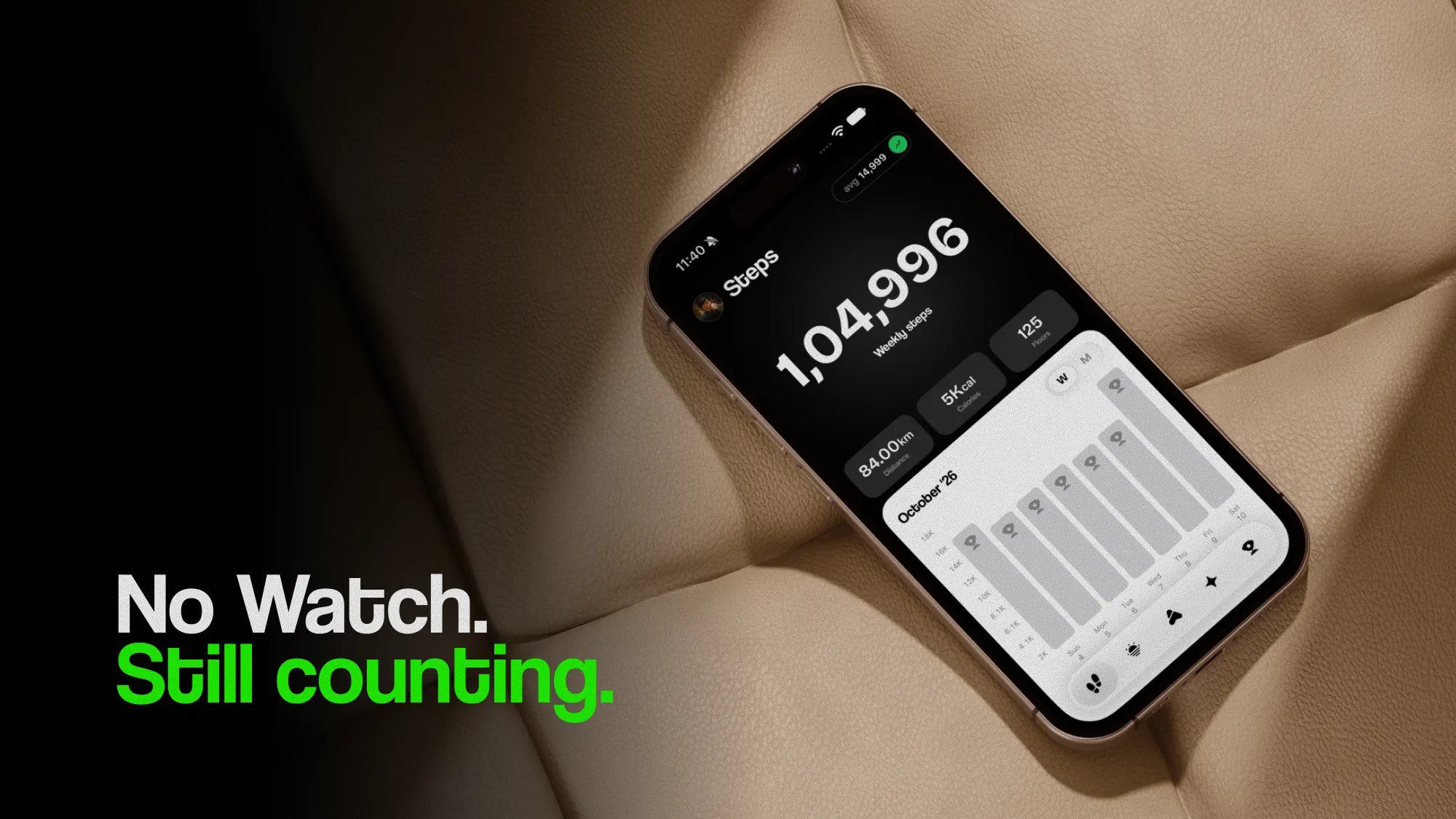
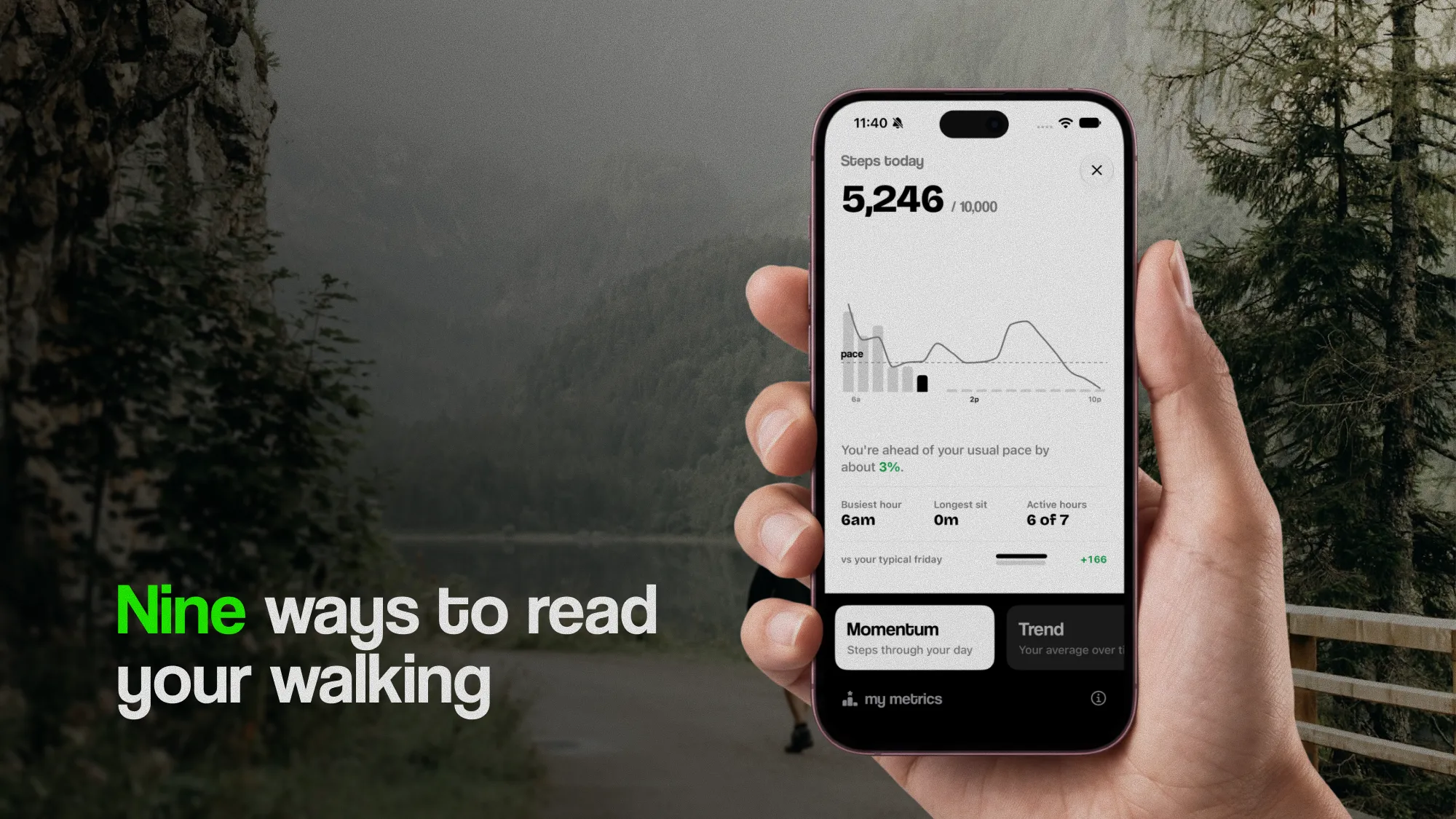
From that history, StepUp builds a walking plan with a target for each day of the week, raised a little each week, never by more than 10%. It keeps your streak, sends a weekly recap and turns your walking into metrics like Momentum, Trend and Tempo. Widgets put your steps and your goal on the Home Screen and Lock Screen.
All of it works with just an iPhone. An Apple Watch adds three metrics that need walking workouts and heart rate, but it isn't required. And your steps never leave your iPhone.
The short version
- Every iPhone since the 5s counts your steps automatically. No Watch, band or app is needed.
- Find them in Health › Browse › Activity › Steps, and use the weekly average, not single days.
- The count is accurate within a few percent when the phone is in your pocket or bag. Its main weakness is the steps you take without it.
- If nothing is counted, check Settings › Privacy & Security › Motion & Fitness › Fitness Tracking.
- With an Apple Watch too, Health doesn't double-count: it uses the source at the top of Data Sources & Access.
- In a pocket near your waist, an iPhone 8 or later also measures how you walk: speed, step length, balance and steadiness.
Questions
Does iPhone count steps without an Apple Watch?
Yes. Every iPhone since the 5s counts steps automatically with its built-in motion sensors, and the Health app records them. You don't need a Watch, a band or an app, only to carry the phone with you.
Where are my steps on iPhone?
In the Health app: tap Browse, then Activity, then Steps. Switch between day, week, month and year at the top. The weekly or monthly daily average is the most useful number for setting a goal.
How accurate is the iPhone step counter?
Within a few percent when it's in your pocket or bag. In a 2015 treadmill test, smartphones were within about 7% of a hand count, and a 2018 study found an iPhone accurate from a slow 3.2 km/h whether it was in a pocket, shoulder bag or backpack.
Why is my iPhone not counting steps?
Usually because the phone wasn't on you. If Health shows nothing at all, check that Fitness Tracking is on in Settings › Privacy & Security › Motion & Fitness. If Health has steps but an app doesn't, give that app permission in Health.
Does Health count my steps twice if I have an iPhone and an Apple Watch?
No. Where both record the same minutes, Health uses the source higher in its Data Sources & Access list and fills gaps from the other. You can change the order under Health › Browse › Activity › Steps.
Does iPhone count steps on a treadmill?
Yes, if it's in your pocket. On the treadmill's console it sits still and counts nothing, because it counts steps from your body's movement, not the belt's.
Sources
- Case et al. (2015), Accuracy of smartphone applications and wearable devices for tracking physical activity data, JAMA
- Höchsmann et al. (2018), Validity of activity trackers, smartphones, and phone applications to measure steps in various walking conditions, Scandinavian Journal of Medicine & Science in Sports
- Apple (2022), Measuring walking quality through iPhone mobility metrics
- Apple Support, Manage Health data on your iPhone, iPad, or Apple Watch
- Apple Support, Measure your walking steadiness with your iPhone
- Studenski et al. (2011), Gait speed and survival in older adults, JAMA
Written by Dheeraj Kumar Sharma, who makes StepUp. How the guides are written.