
 image credit: wannathis
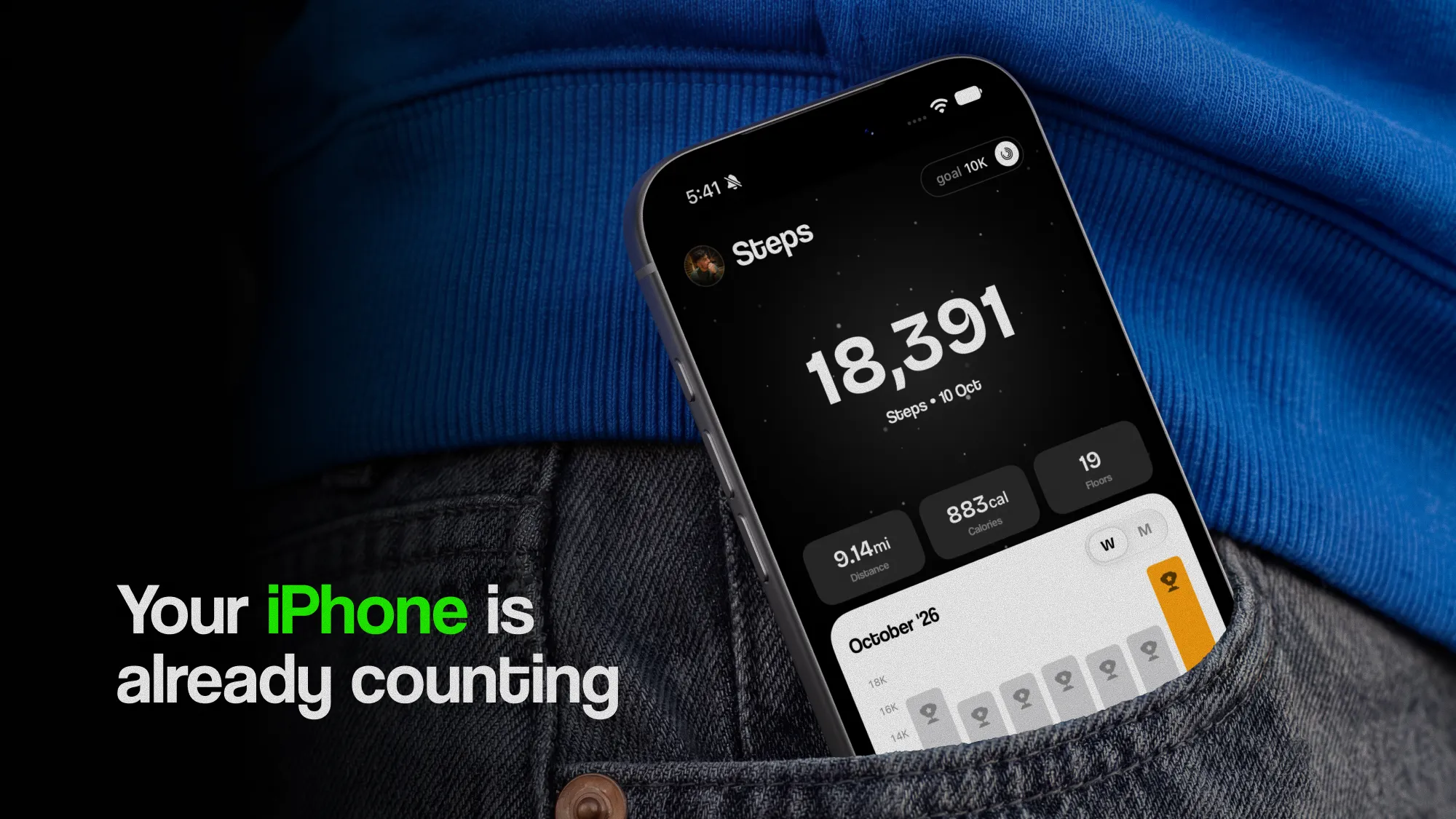
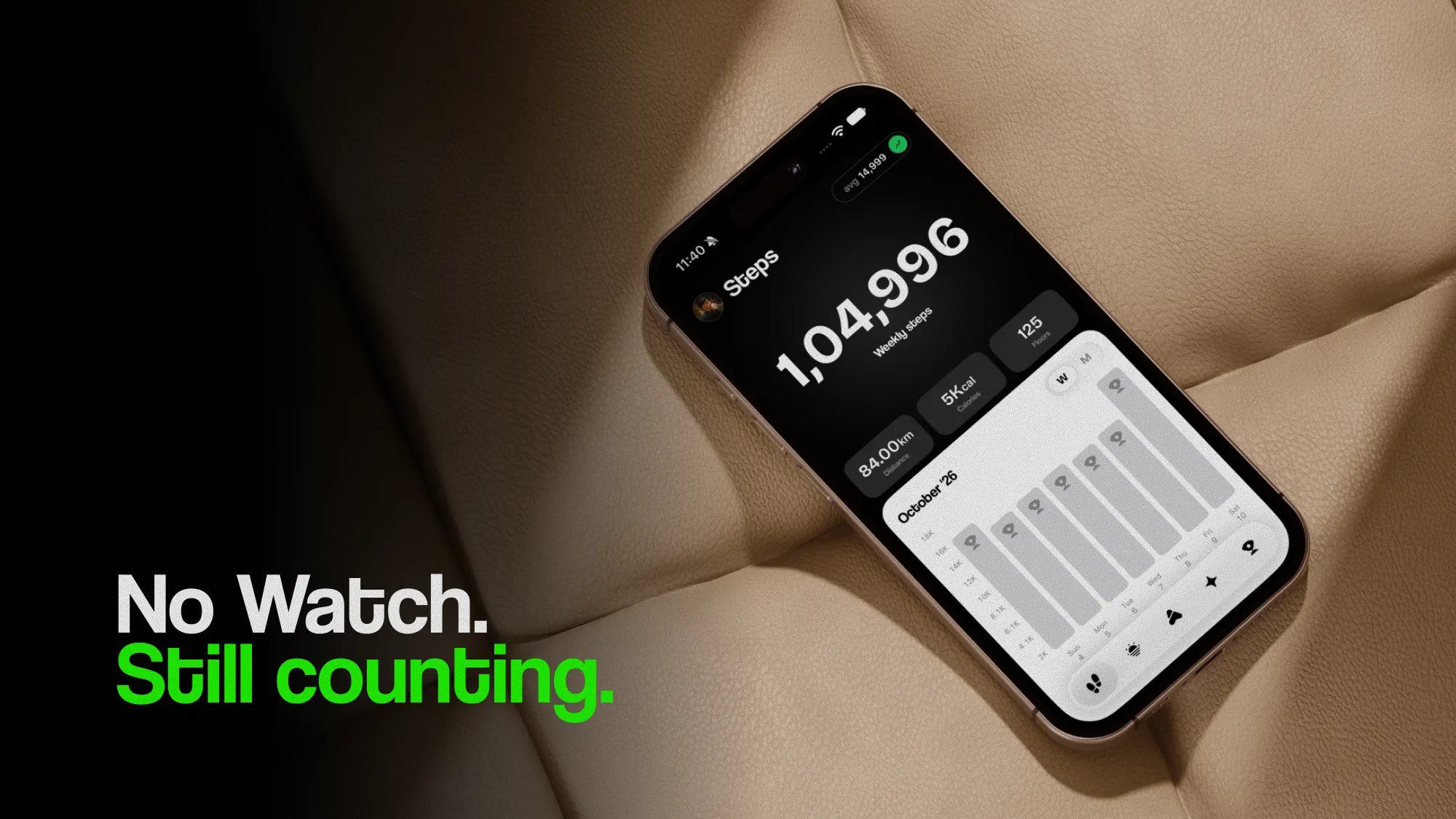
You don't need an Apple Watch to track your steps. An iPhone in your pocket counts them all day, keeps them in the Health app, and works out your distance, the flights you climb and even how you walk. A Watch adds a lot, but most of what it adds isn't about steps.
This guide sets out what an iPhone tracks on its own, what you miss without a Watch, and how to fill each gap, most of them for free.
Can you track steps without an Apple Watch?
Yes. Every iPhone since the 5s has a low-power motion chip that counts steps in the background, and the Health app has kept every day's total since iOS 8. There's nothing to set up or start: if you've carried an iPhone for a few years, you already have years of step history under Health › Browse › Activity › Steps.
The count is accurate, too. In lab tests, phones carried in a pocket or bag counted within a few percent of a hand count, as well as or better than wrist-worn bands. Counting steps on iPhone goes through how the phone counts and what those studies found.
What does an iPhone track on its own?
More than most people expect. With nothing on your wrist, Health fills in:
| In Health | Where it comes from | Which iPhone |
|---|---|---|
| Steps | The motion chip | iPhone 5s and later |
| Walking + Running Distance | Your steps and stride, or GPS when an app records a walk | iPhone 5s and later |
| Flights Climbed | The barometer | iPhone 6 and later |
| Walking Speed, Step Length, Double Support Time, Walking Asymmetry | The motion sensors, with the phone in a pocket near your waist | iPhone 8 and later |
| Walking Steadiness | Those walking measurements, as a fall-risk rating | iPhone 8 and later |
The Fitness app works without a Watch as well. It shows a single Move ring, filled with active calories your iPhone estimates from your steps, your distance and the workouts other apps save to Health. You can set a Move goal and watch your trends, just without the Exercise and Stand rings.
What do you miss without an Apple Watch?
Five things, and only the first is about steps.
- The steps you take without your phone. An iPhone only counts while it's on you. Steps around the house with the phone on the counter, at work with it on a desk, or in a gym with it in a locker are never recorded. A Watch is on your wrist all day, so on most days its total is the higher one.
- Heart rate. An iPhone has no heart rate sensor, so on its own Health has no resting heart rate, no walking heart rate average and no heart rate during a walk.
- Cardio fitness. Health's Cardio Fitness level, an estimate of your VO2 max, is worked out from your heart rate on outdoor walks, runs and hikes, so it needs a Watch.
- Automatic workouts. A Watch notices when you've set off on a brisk walk and offers to record it. With only an iPhone, a walk is a workout only if you start one in an app.
- The Exercise and Stand rings. These need a Watch's heart rate and wrist sensors, so the Fitness app shows only Move.
Sleep tracking and the Watch's heart alerts belong on that list too, but they aren't what most people want from a step tracker.
How do you catch the steps your phone misses?
Carry it more. That sounds obvious, but the gaps are predictable, so they're easy to close:
- Pocket it at home. Most missed steps are indoors: cooking, cleaning, putting children to bed. A trouser or jacket pocket is enough.
- Take it with you at work. Trips to the printer, the kitchen and the meeting room add up over a day.
- Keep it in your pocket on a treadmill. On the console it sits still and counts nothing.
- Don't clip it to a pram or trolley handle. It moves too smoothly there to count. In your pocket, it counts normally.
You don't need to catch every step. What tells you something is how your weekly average moves, and a phone that misses roughly the same share of steps every week still shows that clearly. If you set your goal from your own average, the goal already allows for the steps the phone misses. How many steps should I walk a day? explains how to pick a number from it.
How do you get heart rate without an Apple Watch?
Not from the iPhone itself, but from something else that saves to Health:
- AirPods Pro 3 have a heart rate sensor in each earbud. They measure your heart rate and calories during a workout you start in the Fitness app or a compatible app, and one earbud is enough.
- A chest strap that connects over Bluetooth to a workout app records heart rate for the walks you start in that app, which can then save it to Health.
- Another tracker, on your wrist or finger, if its app writes heart rate to Health.
The first two only measure while you wear them, so they give you heart rate during walks rather than all day. For walking, that's the part that matters: how hard a walk was, and whether the same walk gets easier over the weeks. The walking heart rate zone calculator shows what a brisk walk should be in beats per minute.
Which step trackers work with an iPhone besides Apple Watch?
If you want something on your wrist without buying a Watch, choose a step tracker whose app writes its data to Apple Health. Then every app you use, StepUp included, sees its steps alongside your iPhone's.
- Fitbit syncs steps, workouts and sleep to Apple Health through the Google Health app, which replaced the Fitbit app in 2026. Connect Apple Health in the app and allow the data you want to share.
- Garmin watches sync to Health from the Garmin Connect app, once you connect Health in its settings.
- Cheaper bands vary. Before you buy one, check that its app works with Apple Health and writes steps there, not only reads them.
Two trackers won't give you double steps. Health never adds sources together: where both recorded the same minutes, it uses whichever is higher in its list. Put the one you wear most at the top under Health › Browse › Activity › Steps › Data Sources & Access, and leave it there so one week compares fairly with the next.
Is an iPhone alone enough to track steps?
For counting steps and building a walking habit, yes. The count is accurate while the phone is on you, it costs nothing extra, and you never have to charge it overnight or remember to put it on.
An Apple Watch is worth it if one of these is true:
- You often leave your phone behind, at home or at work, and want those steps counted.
- You want heart rate all day, cardio fitness or sleep tracking.
- You'd like your walks recorded as workouts without having to start them.
If none of those apply, the phone you already have is a good step tracker. Start with it, and decide about a Watch after a few weeks of numbers.
Does StepUp work without an Apple Watch?
Yes. StepUp reads your steps from Apple Health, so with just an iPhone it has everything it needs for your goal, your streak, the walking plan, Golden Hour, reminders and widgets.
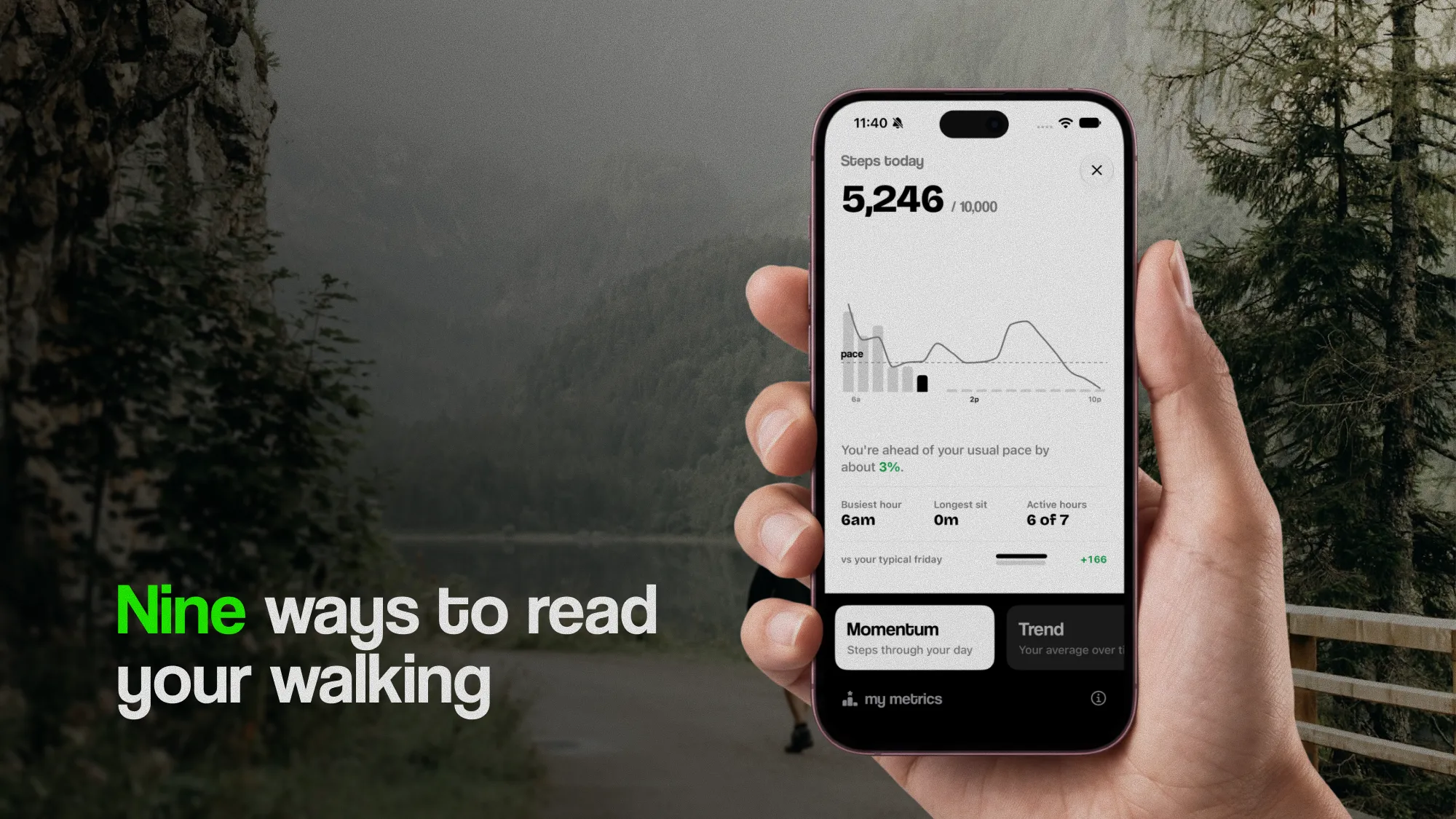
Seven of its nine metrics work with just an iPhone, too:
- Momentum, Trend, Tempo and Routine read your steps.
- Climb reads the flights your iPhone counts.
- Pace and Evenness read the walking measurements your iPhone takes while it's in your pocket.
The other two need a Watch. Effort reads the energy each walking workout burned, and Fitness compares your walking speed with your walking heart rate. Without a Watch, they stay empty and say why. Walking metrics, explained covers all nine.
With or without a Watch, your steps never leave your iPhone.
The short version
- Your iPhone counts steps, distance and flights on its own, and on iPhone 8 and later it measures how you walk.
- Without a Watch, you miss the steps you take without your phone, heart rate, cardio fitness and automatic workouts.
- Close the step gap by keeping the phone in a pocket, at home as well as out.
- AirPods Pro 3 or a chest strap add heart rate during walks.
- Fitbit and Garmin trackers sync to Apple Health. Put the one you wear most at the top of Data Sources & Access.
- StepUp works with just an iPhone: seven of its nine metrics, and everything else.
Questions
Can I track my steps without an Apple Watch?
Yes. Every iPhone since the 5s counts steps on its own and saves them in the Health app under Browse › Activity › Steps. You only need to carry the phone: it doesn't count the steps you take while it's on a desk or a counter.
Is iPhone step tracking as accurate as an Apple Watch?
For the steps it sees, yes: in lab tests, phones in a pocket or bag counted within a few percent of a hand count. The Watch's daily total is usually higher only because it's on you all day, including the times the phone isn't.
Can an iPhone measure heart rate without an Apple Watch?
Not by itself: an iPhone has no heart rate sensor. AirPods Pro 3 measure heart rate during workouts, and a Bluetooth chest strap or another tracker can too, if its app saves heart rate to Apple Health.
Can I close my Activity rings without an Apple Watch?
Only the Move ring. Without a Watch, the Fitness app on iPhone estimates your active calories from your steps, distance and workouts saved by other apps. The Exercise and Stand rings need an Apple Watch.
Do Fitbit and Garmin work with Apple Health?
Yes. Fitbit syncs steps, workouts and sleep to Apple Health through the Google Health app, and Garmin syncs through Garmin Connect once you connect Health in its settings. If you also carry an iPhone, Health uses the source at the top of Data Sources & Access, so steps aren't counted twice.
Does StepUp need an Apple Watch?
No. StepUp reads your steps from Apple Health, and seven of its nine metrics work with just an iPhone. Effort and Fitness need walking workouts and walking heart rate from an Apple Watch, and stay empty without one.
Sources
- Case et al. (2015), Accuracy of smartphone applications and wearable devices for tracking physical activity data, JAMA
- Höchsmann et al. (2018), Validity of activity trackers, smartphones, and phone applications to measure steps in various walking conditions, Scandinavian Journal of Medicine & Science in Sports
- Apple Support, See your activity summary in Fitness on iPhone
- Apple Support, Track your heart rate during workouts with AirPods Pro 3
- Apple Support, Manage Health data on your iPhone, iPad, or Apple Watch
- MacRumors (2026), Fitbit data can finally sync to Apple Health
Written by Dheeraj Kumar Sharma, who makes StepUp. How the guides are written.