
 image credit: Unsplash
A walking pad promises to turn the hours you'd spend sitting at a desk into steps. It can, but not as many as the box suggests, and not in the way a brisk walk does. The research is on treadmill desks, which are the same idea: a slow, flat treadmill under a standing desk. Here's what it found, who a walking pad suits, and whether your iPhone and Apple Watch count the steps.
What is a walking pad?
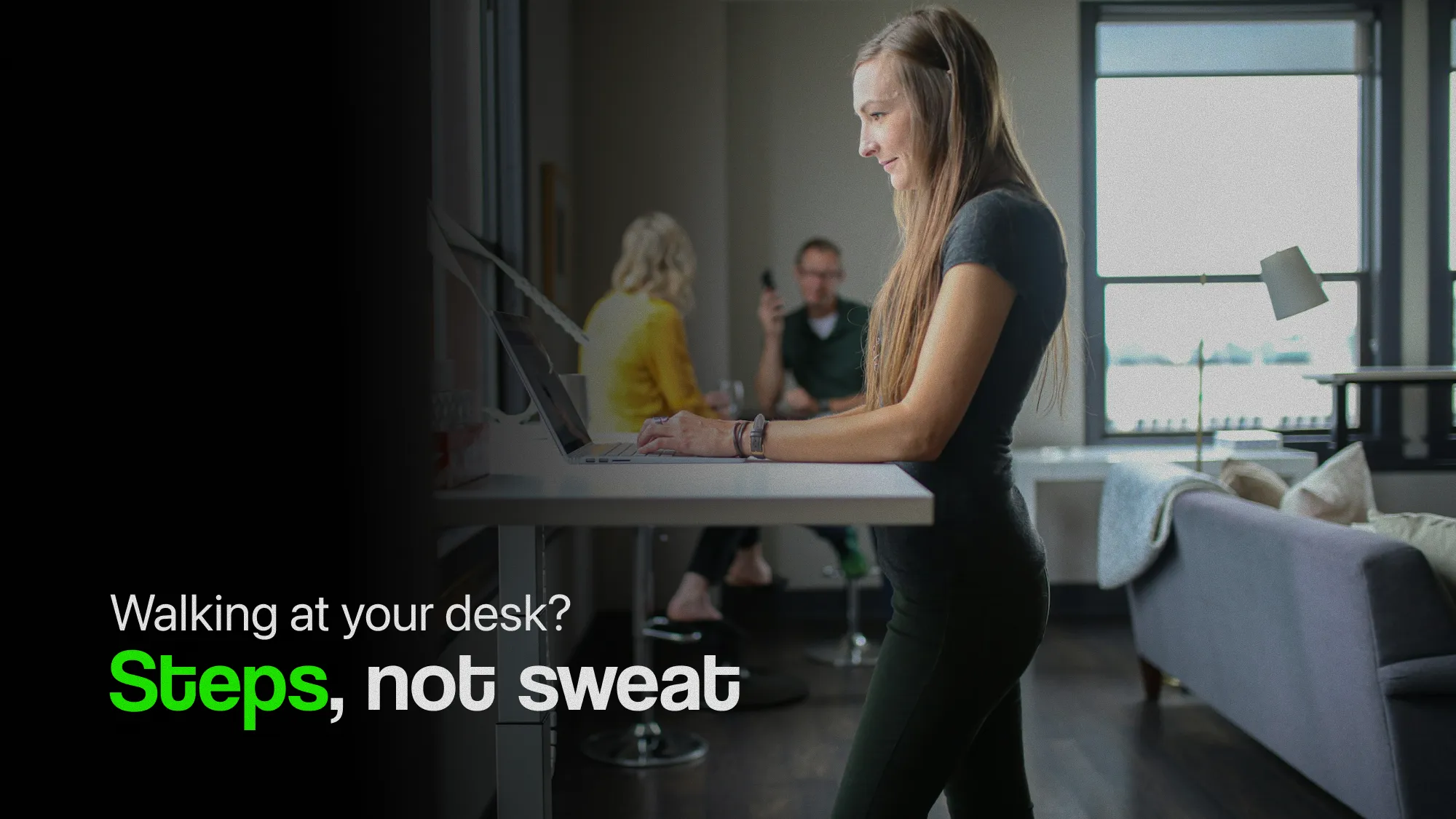
A walking pad is a small, flat treadmill made for walking rather than running. Most have no handrail, or one that folds away, so they slide under a standing desk or a sofa. They're slow by treadmill standards: most top out at around 6 km/h (about 4 mph), and the speeds people actually work at are far lower.
That's the point of them. You're not meant to train on one. You're meant to stand on it while you read, answer email or sit through a call, and keep moving while you do.
How many extra steps does a walking pad add?
Fewer than you'd guess from the hours you could spend on it. In a three-month randomised trial, 41 office workers either shared treadmill desks or worked as usual. The treadmill group took about 1,600 more steps a day than the others, almost all of it slow walking of 40 to 99 steps a minute.
That's a real gain: 15 to 20 minutes of slow walking, every working day, without finding the time. But it's well short of the 5,000 or so steps an hour on a pad would add, because few people walk at their desk for hours every day.
People also use one less as the novelty fades. In a year-long trial where 36 office workers swapped their desks for treadmill desks, their sitting time fell by 91 minutes a day at six months, but only by 42 minutes a day at a year. They were still moving more than before, just not as much as in the first months.
Does walking at your desk count as exercise?
Not as the guidelines mean it. Walking becomes moderate exercise at about 100 steps a minute, roughly a brisk walk, and the WHO's 150 to 300 minutes a week are minutes at that effort or harder. Most people work at under about 3 km/h (2 mph), and at that speed their cadence stays below 100. Tempo explains the 100-step line, and is walking enough exercise? covers what does count.
That doesn't make it worthless. The WHO's guidelines also say that replacing sitting with activity of any intensity, light walking included, is good for you. Breaking up long spells of sitting helps on its own: in one trial, five minutes of light walking every 30 minutes lowered blood sugar after meals and blood pressure, compared with sitting all day. A walking pad makes those breaks easy. Momentum shows where your long sitting spells are.
So think of a walking pad as less sitting, not as a workout. Keep your brisk walks as well.
How many calories does a walking pad burn?
More than sitting, but less than you might hope. In a lab study, 15 office workers with obesity walked at their desks at a pace they chose themselves, about 1.8 km/h (1.1 mph). They burned about 119 more calories an hour than sitting at work.
In a real office, over a year, the gain was smaller. When 40 employees of a financial company got treadmill desks they could use whenever they liked, at up to 3.2 km/h (2 mph), they burned about 74 extra calories a day on average. In the year-long trial above, people lost 1.4 kg (about 3 lb) on average over the year. That's a modest change, not a weight-loss plan. The treadmill calories calculator works out your own number from your speed, the incline and your weight.
Can you work while you walk?
Mostly, with a little practice. In a lab test, 20 people typed about 8% slower while walking than while sitting, were slower with a mouse, and scored a little lower on maths problems. Reading and attention weren't affected.
Over time, the dip seems to pass. In the financial company's year-long study, the workers' own ratings of their work dipped in the first months, then rose, and their supervisors rated their work higher with a treadmill than without. In practice, most people walk through reading, email and calls, and step off for work that needs fine mouse control or hard thinking.
Does your iPhone or Apple Watch count walking pad steps?
Your iPhone does, if it's in your pocket. It counts steps from the rhythm of your hips, and walking on a pad gives it the same rhythm as walking on a pavement. On the desk beside you, it counts nothing. A pad's distance and your iPhone's distance may not agree, because your iPhone works distance out from your steps.
An Apple Watch can miss steps on a walking pad. It counts from the movement of your wrist, and with your hands resting on a keyboard, your wrists barely swing. It's the same reason a Watch misses steps when you push a pushchair.
To check, walk 100 counted steps on the pad and compare. If your Watch comes up short and your phone doesn't, keep your phone in your pocket and move it up the list in Health: open Browse › Activity › Steps › Data Sources & Access, tap Edit, and drag iPhone above Apple Watch. Where both record the same data, Health uses the source at the top. Does your iPhone count steps in a bag? covers where else your phone counts well.
Who is a walking pad worth it for?
It's worth it if:
- You work at a desk most of the day, and your step count is low on work days.
- You already have a standing desk, or are about to buy one.
- You spend a lot of your day on calls or reading, which are easy to walk through.
- You'd like to break up your sitting without leaving your desk.
It's probably not worth it if:
- You'd be using it instead of walks outside, rather than as well as them.
- You have no room for it to stay set up. One packed away under the sofa is easy to forget.
- Your work is mostly fine mouse work or hard thinking.
- You share the floor with people below, or with small children or pets, who shouldn't be near a moving belt.
If you're not sure, try a cheaper habit first. Stand for calls, walk to someone's desk instead of messaging, and take five minutes away from the desk every half hour. If you keep those up for a month, a walking pad will add to them. Making walking stick covers building the habit.
How do you get the most from one?
- Start slow and short. Try 20 or 30 minutes at 2 to 3 km/h (1.2 to 2 mph), a few times a day, and build up.
- Wear proper shoes. Socks and slippers are fine for a few minutes, not for an afternoon.
- Set your desk to your elbows. On a pad you stand a few centimetres higher, so raise the desk to keep your wrists level with the keyboard.
- Speed up when your hands are free. On a call or reading, go a little faster. Even short spells at about 100 steps a minute turn light walking into brisk walking.
- Keep your phone in your pocket, so every step counts.
- Use the safety key, and switch the pad off at the wall when you're done.
- Tie it to something you already do, such as every call, or the first hour after lunch.
How does StepUp count walking pad steps?
StepUp reads your steps from Apple Health, so the steps you walk on a pad count towards your goal, your streak and your widgets like any others. Momentum shows the hours you broke up with a spell on the pad, and Tempo shows how much of it was brisk. And because StepUp sets your goal from your own walking, the extra steps raise it gently over the following weeks, not all at once. How many steps should I walk a day? explains why that matters.
The short version
- A walking pad is a slow, flat treadmill for walking at a desk.
- In a three-month trial, office workers with treadmill desks took about 1,600 more steps a day.
- People use one less after the first months: sitting time fell by 91 minutes a day at six months, but by 42 at a year.
- At typing speed it's light activity, not exercise. It cuts your sitting, but it doesn't replace brisk walks.
- It burns more than sitting: about 119 extra calories an hour in a lab, but about 74 a day in a real office.
- Typing is a little slower while walking, but most office work goes on as normal.
- Your iPhone counts the steps if it's in your pocket. An Apple Watch can miss them while your hands are on the keyboard.
Questions
How many steps can you get on a walking pad?
At a slow desk pace, about 5,000 an hour, but few people walk that long every day. In a three-month trial, office workers with treadmill desks took about 1,600 more steps a day than those without, which is 15 to 20 minutes of slow walking.
Does walking on a walking pad count as exercise?
Not as moderate exercise, at the speeds most people work at. That starts at about 100 steps a minute, a brisk walk. It's light activity, which the WHO says is still better than sitting, so a walking pad cuts your sitting time, but it doesn't replace brisk walks.
Does an Apple Watch count steps on a walking pad?
It can miss some. A Watch counts from the movement of your wrist, and with your hands on a keyboard your wrists barely swing. An iPhone in your pocket counts from your hips. Walk 100 counted steps to check, and if the Watch comes up short, put iPhone above it in Health's step sources.
How fast should you walk on a walking pad?
While typing, most people are comfortable at 2 to 3 km/h (1.2 to 2 mph). In one study, office workers chose about 1.8 km/h (1.1 mph). On calls or while reading, you can go faster, and about 100 steps a minute makes it a brisk walk.
Is a walking pad better than going for a walk?
No, they do different jobs. A brisk walk outside counts as moderate exercise. A walking pad turns some of your sitting time into light walking. The best use of one is as well as your walks, not instead of them.
Sources
- Schuna et al. (2014), Evaluation of a workplace treadmill desk intervention: a randomized controlled trial, Journal of Occupational and Environmental Medicine
- Koepp et al. (2013), Treadmill desks: a 1-year prospective trial, Obesity
- Ben-Ner et al. (2014), Treadmill workstations: the effects of walking while working on physical activity and work performance, PLOS ONE
- Levine and Miller (2007), The energy expenditure of using a walk-and-work desk for office workers with obesity, British Journal of Sports Medicine
- John et al. (2009), Effect of using a treadmill workstation on performance of simulated office work tasks, Journal of Physical Activity and Health
- Tudor-Locke et al. (2019), Walking cadence (steps/min) and intensity in 21–40 year olds: CADENCE-adults, International Journal of Behavioral Nutrition and Physical Activity
- World Health Organization (2020), WHO guidelines on physical activity and sedentary behaviour
- Duran et al. (2023), Breaking up prolonged sitting to improve cardiometabolic risk: dose–response analysis of a randomized crossover trial, Medicine & Science in Sports & Exercise
- Apple Support, Manage Health data on your iPhone, iPad, or Apple Watch
Written by Dheeraj Kumar Sharma, who makes StepUp. How the guides are written.