
 image credit: Unsplash
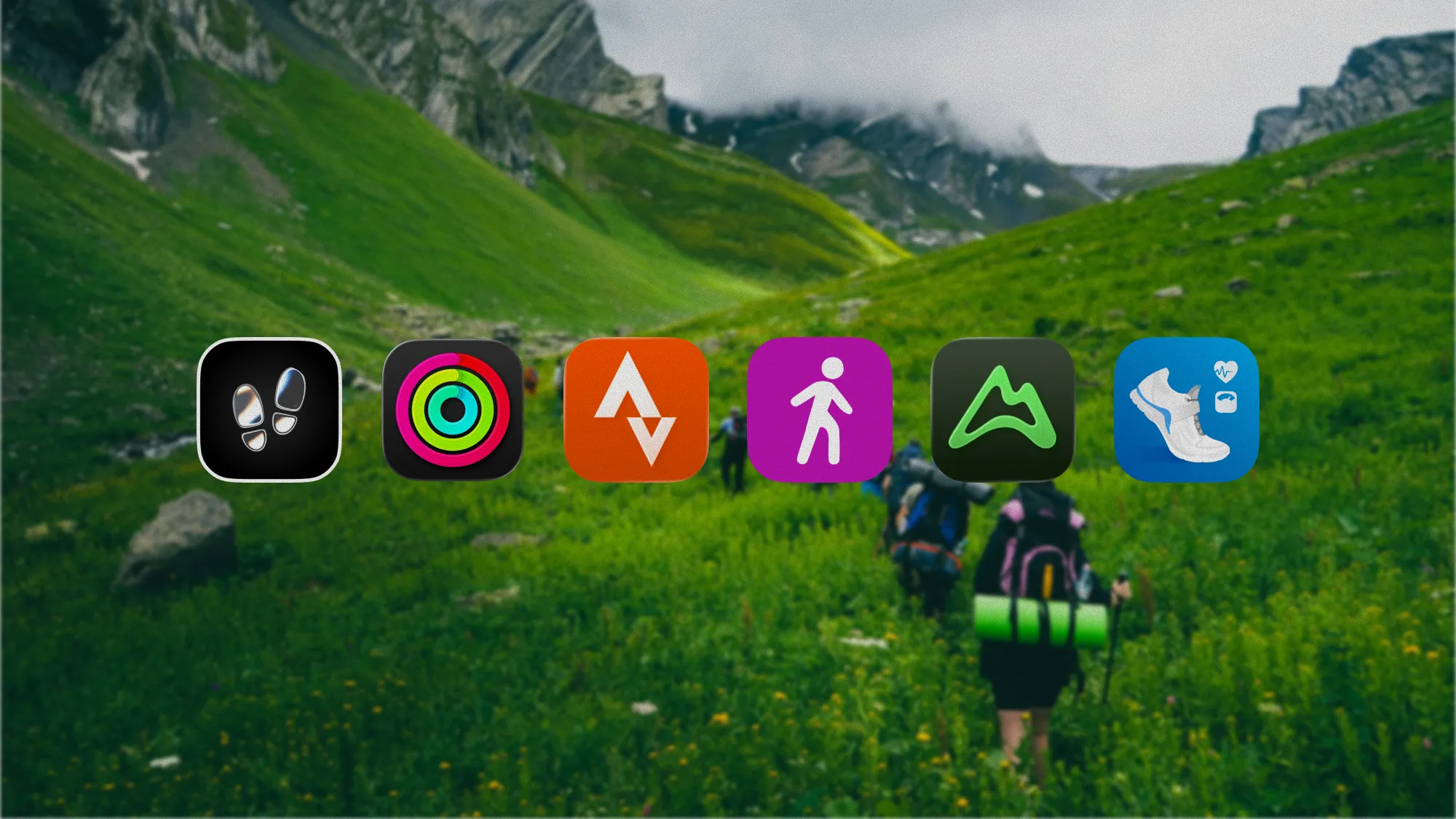
We make StepUp, so it's on this list and it comes first. Every other app here was checked against its own US App Store listing on 17 November 2026, and nobody paid to be included. Where a listing doesn't say whether an app does something, we say so rather than guess.
Not sure where to start? Answer four questions and we'll point you at a card.
What makes a good walk recorder?
Your iPhone counts your steps all day without being asked. Recording a walk is different: you press Start, and the app follows you with GPS, then keeps the route, the time and the pace as one walk. Every app below does that. What separates them is what happens around it:
- It keeps going with the phone locked. A walk recorder that stops when the screen does is no use in a pocket. The best ones show the walk on the Lock Screen, so you can pause it without unlocking.
- The distance is honest. GPS is a few metres out every second, and an app that adds up every wobble makes a walk longer than it was. More on that further down.
- The walk is worth looking at afterwards. A route on a map, your pace, and splits for each mile or kilometre turn a walk into something you can compare with next week's.
- It goes somewhere useful. Saved to Apple Health, a walk shows up in the Fitness app and in any other app that reads your workouts. A walk that only lives in one app is stuck there.
- The free version records. Some apps put recording itself behind a subscription. None of the six here does: what each charges for is said on its card.
The apps

Best for seeing yourself walk more
StepUp
Made by us, the makers of StepUp
- Price
- Free, with optional StepUp Pro
- Best for
- Everyday walks around town, recorded free, then put to work: a goal built from your own walking, a weekly recap and journeys along real routes
Good
- Records walks free with their route on iPhone, live on the Lock Screen and in the Dynamic Island, with a pause button there
- An Apple Watch app that records its own walks, with heart rate, a tap at each mile or kilometre, and splits read into your headphones
- Each walk's page shows its splits, and replays the route at the pace you walked it, stops and all
- Drops the GPS fixes the phone isn't sure of, so a walk among tall buildings isn't counted long
- Saves every walk to Apple Health as an Outdoor Walk with its route, and shows walks other apps recorded there too
- Your walks and their routes never reach our servers
Less good
- Needs iOS 17 or later
- No social feed, and no trail search or offline maps
- New to the App Store, so it has no ratings yet
- The weekly plan is free for your first week, then needs Pro, as do four of its nine metrics and the bigger widgets

Best if you'd rather install nothing
Apple Fitness
By Apple
- Price
- Free, with optional Apple Fitness+
- Best for
- An occasional recorded walk, in the app already on your iPhone, counted toward your rings
Good
- Its Workout tab records walks with pace, distance and a route map
- Workout Buddy, with Apple Intelligence, talks you through a walk as it goes
- Heart rate on the iPhone with a heart rate monitor, such as AirPods Pro 3
- On Apple Watch, the Workout app adds heart rate, custom workouts and training load
Less good
- Its daily goal is calories, not steps
- Splits and routes sit in each workout's summary, with nothing to compare one walk with the next
- No route ideas, and its sharing is limited to friends' rings and competitions

Best for sharing your walks
Strava
By Strava Inc.
- Price
- Free, with an optional subscription
- Best for
- Walkers who want friends to see their walks, and who also run, ride or hike
Good
- Records walks, hikes and more than 50 other sports
- A feed where friends cheer each walk, and monthly challenges with badges
- Routes suggests popular paths near you, from where other people go, or you can build your own
- Shares your live location with people you choose while you're out
- Works with thousands of devices, Apple Watch, Garmin and Fitbit among them
Less good
- Its listing doesn't say which features need the subscription
- Made for sport, so a stroll sits in the feed beside other people's races
- Walks are made to be shared, so check who can see yours, and where they start
- A big download, over 450 MB

Best for hearing how you're doing
Map My Walk
By Outside Television Inc
- Price
- Free, with an optional MVP subscription
- Best for
- Walking as exercise, with a voice in your ear saying how far and how fast
Good
- Real-time GPS, with a map of every route
- Audio updates on pace, distance, time and calories, so you needn't look at the screen
- Saves your favourite routes and finds new ones
- Challenges with friends, records and badges
- Indoor and treadmill walks too, among more than 600 activities
Less good
- Plans, live tracking for family, heart rate zones and custom splits need MVP
- Its listing warns that GPS in the background uses battery

Best for walks on trails
AllTrails
By AllTrails, Inc.
- Price
- Free, with optional Plus and Peak subscriptions
- Best for
- Finding a trail first, with reviews and conditions, then recording yourself on it
Good
- More than 500,000 trails, searchable by place and skill level, and by who they suit, from dogs to pushchairs to wheelchairs
- Reviews, photos and recent conditions from other walkers
- Records your walk on the trail, with navigation as you go
- Over a million ratings, more than any other app here
Less good
- Offline maps, wrong-turn alerts and sharing your live location need Plus, and building your own route needs Peak
- The free version shows occasional ads
- Made for trails more than the walk round the block

Best for walking with others
Pacer
By Pacer Health, Inc
- Price
- Free, with an optional premium subscription
- Best for
- Finding places near you to walk, and people to walk with, on any phone
Good
- Records walks, hikes, runs and rides with GPS maps
- Finds routes, trails and parks near you
- Walking groups and challenges with friends and family, whatever phone they have
- Counts your steps all day too, with your phone in a hand, pocket or bag
Less good
- Its listing doesn't say which features need premium
- A big download, over 500 MB
Side by side
| Feature | StepUp | Apple Fitness | Strava | Map My Walk | AllTrails | Pacer |
|---|---|---|---|---|---|---|
| Price | Free, optional Pro | Free, optional Fitness+ | Free, optional subscription | Free, optional MVP | Free, optional Plus or Peak | Free, optional premium |
| Records a walk with its route, free | Yes | Yes | Yes | Yes | Yes | Yes |
| Shows the walk on the Lock Screen | Yes, with a pause button | Not stated | Not stated | Not stated | Not stated | Not stated |
| Splits for each mile or km | Yes | In the workout summary | Not stated | Custom splits with MVP | Not stated | Not stated |
| Spoken updates as you walk | From the Watch, through headphones | Workout Buddy | Not stated | Yes | Not stated | Not stated |
| Finds routes near you | No | No | Yes | Yes | 500,000+ trails | Yes |
| Shares your live location | No | No | Yes | With MVP | With Plus | Yes |
| Social feed | No | Friends' rings | Yes | Yes | Yes | Groups |
| Apple Watch app | Yes, with its own walks | Built in | Yes | Yes | Yes | Yes |
| Saves walks to Apple Health | Yes, with the route | Yes | Yes | Yes | Not stated | Yes |
| Needs iOS | 17 or later | Built in | 17 or later | 16 or later | 17 or later | 15 or later |
"Not stated" means the App Store listing doesn't say, not that the app can't.
Why do GPS walks come out too long?
Your phone works out where you are about once a second, and each answer is a few metres out: two or three in an open park, more under trees, and more again between tall buildings, where the satellites' signals bounce off glass before they reach you. The error drifts rather than jumps, so the line looks smooth enough. But every wobble adds a little length, and over a whole walk it adds up. Try it:
Every app filters its fixes in some way, which is why two of them rarely agree to the metre. StepUp's rule is the one above: it drops a fix the phone itself is less than 25 metres sure of, one that would mean you'd moved faster than anyone walks, and one too close to the last to be a real step. You can help whichever app you use:
- Turn on Precise Location for it. In Settings, Privacy & Security, Location Services, pick the app and switch Precise Location on. With only your approximate location, an app can't draw a route at all.
- Wait a few seconds before you set off. The first fixes of a walk are the least sure, and the phone settles once it has heard from enough satellites.
- Don't worry about your pocket. GPS reaches a phone in a pocket or a bag. It's buildings and dense trees overhead that throw it off, not your coat.
What should a walk show you afterwards?
The walk itself is over in half an hour. What makes recording it worthwhile is what you can see afterwards, and the three things that matter most are your pace, your splits, and where on the route the time went. A line on a map shows where you walked. A replay shows how:
That's how StepUp shows a walk you've recorded: the route plays back at the pace you walked it, with a tick at every minute, and your splits as bars, the quickest in gold. Seen side by side over a few weeks, the same loop getting quicker is the clearest sign your walking is improving. Pace explains what your walking speed says about you, and what is the average walking speed? gives you numbers to compare with. To turn a pace in minutes a mile into miles an hour, or the other way, use the walking pace converter.
Should you record on your iPhone or your Apple Watch?
Either works, and every app here can do both. The Watch has two advantages: it reads your heart rate as you go, which tells you how hard a walk was as well as how fast, and it leaves your phone free, or at home. The iPhone has a bigger screen for the map, and it's what you have if you don't wear a Watch: step tracking without an Apple Watch covers what the phone does on its own.
Start a walk on one, not both: two recordings of the same walk can both end up in Apple Health. StepUp sees to that for you. A walk started on the Watch shows in the iPhone app as it goes, pausing or ending it on the phone reaches the Watch, and whichever started first records it, so the other never starts a second.
Which one should you pick?
- You want your walks to add up to something: StepUp. Recording is free, every walk feeds a goal built from your own walking and a recap at the end of each week, and its Watch app records on its own. How many steps should I walk a day? explains the idea behind the goal.
- You only walk now and then: Apple Fitness. It's already on your iPhone.
- You want friends to see your walks: Strava, especially if you also run or ride.
- You want a voice telling you how you're doing: Map My Walk.
- You walk on trails more than streets: AllTrails, for finding the trail before you go.
- You'd walk more with company: Pacer, for groups and routes near you.
If you also want an app for your steps through the day, rather than for the walks you set out on, our best step counter apps for iPhone compares those.
How we chose
We looked for iPhone apps that record a walk with GPS and keep its route, have more than ten thousand ratings, and were updated in the last two months, then kept six that are each best at something different. We left out apps whose free version doesn't record a walk on the iPhone: Pedometer++ needs Premium for that, and StepsApp needs Pro for GPS workouts.
Each app's details come from its own US App Store listing on 17 November 2026: what it says it does, what it charges for and which iOS it needs. StepUp's come from the app itself, version 1.0.2. We haven't timed the apps against each other on the same walk, so the distances in the simulation above are a model of how GPS behaves, not a test of any app. Apps change often, so check a listing before you pay for anything. We'll check these again at least every three months.
Questions
What's the best free app to record walks on iPhone?
StepUp records walks free, with the route, splits and a replay, on the iPhone or the Apple Watch. Apple Fitness is free and already installed, and Strava, Map My Walk, AllTrails and Pacer record walks free too. Pedometer++ and StepsApp charge to record a walk on the iPhone.
Does the iPhone have a built-in walk tracker?
Yes. The Fitness app's Workout tab records walks on the iPhone with pace, distance and a route map, and saves them to Apple Health. With an Apple Watch, the Workout app on your wrist does the same, with your heart rate.
Why do two apps give different distances for the same walk?
GPS places your phone a few metres out every second, more among tall buildings or under trees. Added up, those wobbles make a walk longer than it was, so every app filters them, each in its own way. The stricter the filter, the closer to the real distance.
Can I record a walk without an Apple Watch?
Yes. Every app here records a walk with GPS on the iPhone alone. Turn on Precise Location for the app in Settings, under Privacy & Security and Location Services: with only your approximate location, it can't draw your route.
Does StepUp record walks for free?
Yes. StepUp records walks on the iPhone and the Apple Watch for free, with the route, splits, a replay and a copy in Apple Health. Pro adds the walking plan after its free first week, four more metrics and bigger widgets. StepUp is free to download on the App Store.
Sources
- StepUp: Step Counter & Walks on the App Store
- Apple Fitness on the App Store
- Strava: Run, Bike, Walk on the App Store
- Map My Walk: Walking Tracker on the App Store
- AllTrails: Hike, Bike & Run on the App Store
- Pacer Pedometer Step Counter on the App Store
- Pedometer++ on the App Store
- StepsApp Pedometer on the App Store
Written by Dheeraj Kumar Sharma, who makes StepUp. How the guides are written.