
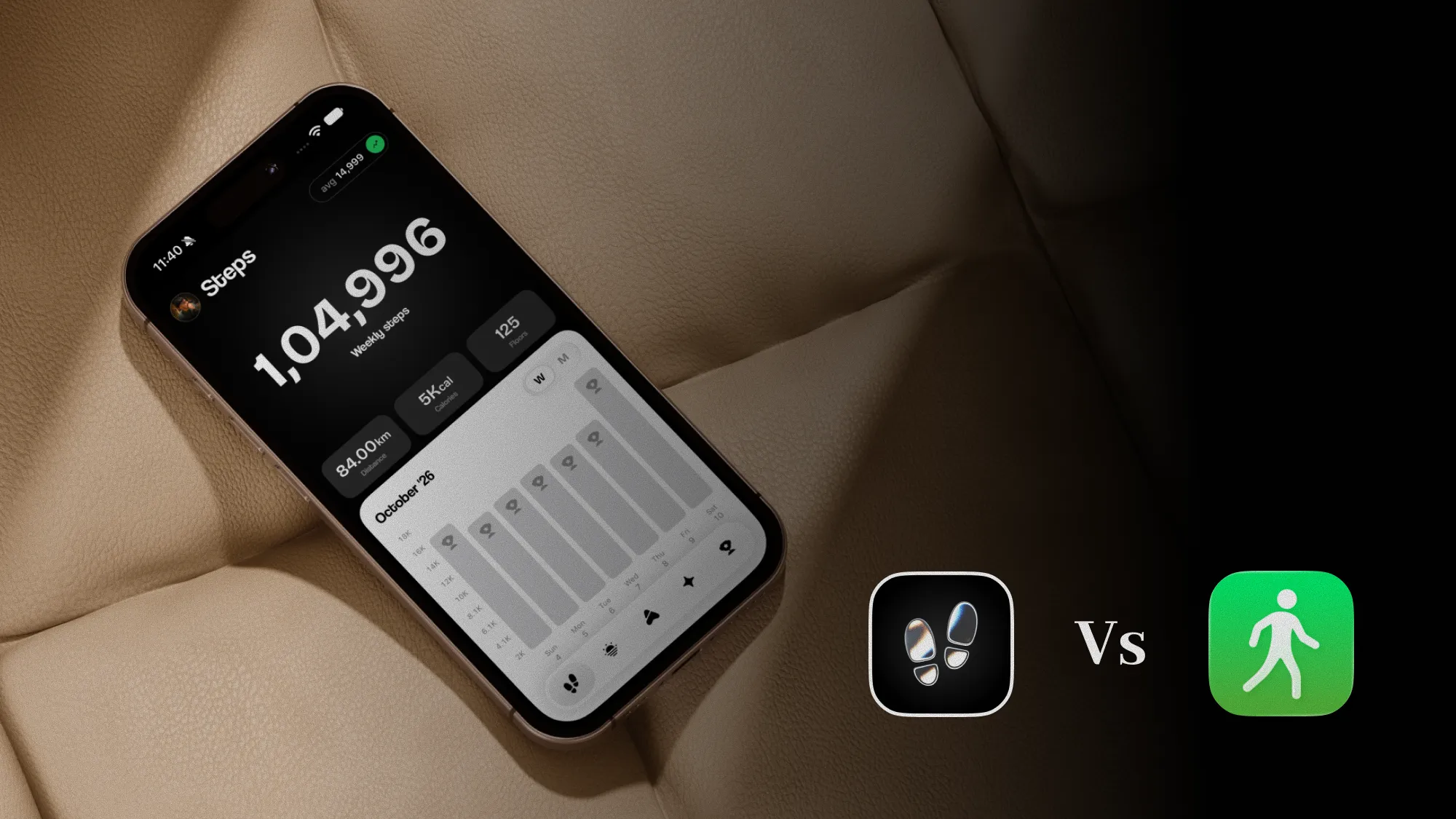
We make StepUp, so we aren't neutral, and we'd rather say so up front. StepUp, on the App Store as StepUp: Step Counter & Walks, builds your goal from your own walking, records your walks with their route for free, and keeps your steps off our servers. Pedometer++ is one of the best-known step counters on iPhone, made by a small studio since 2013. It was checked against its US App Store listing, its website and its privacy policy on 13 November 2026, and StepUp's details come from the app itself. Where a listing doesn't say whether an app does something, we say so rather than guess.
At a glance
StepUp is built around a goal that fits you: a weekly plan drawn from your history, walks with their route, and metrics that say how you walk, not just how much. Pedometer++ is built around a clear daily count, with badges to collect and tools for hikers: route planning, GPX files and offline maps.
They agree on more than most pairs of step apps. Both count your steps with no extra hardware, work with Apple Health, have an Apple Watch app with complications, and come with Home Screen and Lock Screen widgets. Both are free to download with an optional paid tier, and neither sends your step count to its makers. Neither counts better than the other: on an iPhone, step apps start from the same motion data, as Counting steps on iPhone explains.
The apps

Best for a goal built from your walking
StepUp
Made by us, the makers of StepUp
- Price
- Free with no ads, with optional StepUp Pro
- Best for
- People who want a target that starts from what they walk now, and walks they can look back on
Good
- A weekly walking plan from your real history, never more than 10% above your normal
- GPS walks with their route on iPhone or Apple Watch, free
- Nine walking metrics, five of them free
- Expeditions: journeys along real routes, a little every day
- Eight Apple Watch complications, and 17 widgets
- A small download, about 46 MB
- No ads, and your steps and walks never reach our servers
Less good
- No badges, and no workout programmes such as a first 5K
- No route planning, GPX files or offline maps
- Out since November 2026, so it's still gathering its first ratings
- English only
- Needs iOS 17 or later, and watchOS 11 for the Watch app
- You have to sign in with Apple or Google
- The plan and Golden Hour are free for your first week, then need Pro, as do four metrics, the bigger widgets and some routes

Best for hikers and badge collectors
Pedometer++
By Cross Forward Consulting, LLC
- Price
- Free with ads, with an optional Premium subscription
- Best for
- A simple, long-trusted daily count, and planning walks and hikes on a map
Good
- Steps, distance, flights of stairs, active calories and heart rate
- A custom step goal, streaks and badges, with monthly challenges
- Training Plans with audio cues, such as walking every day for 20 days or a first 5K
- Route planning, GPX import and the weather along your route
- An Apple Watch app with workouts and a wide range of complications
- Nothing in its listing or privacy policy asks for an account
- In English and 11 more languages, and runs on iOS 15 or later
Less good
- The free version shows ads, which its policy says aren't personalised
- Workout tracking on iPhone, live and offline maps, maps on the Watch, Live Activities and Expedition Mode need Premium
- Its goal is one you set: the listing doesn't mention one built from your history
- A bigger download, about 130 MB
Side by side
| Feature | StepUp | Pedometer++ |
|---|---|---|
| Price | Free with no ads, optional Pro | Free with ads, optional Premium |
| Step goal | One you set, or a weekly plan from your history (first week free) | One you set |
| Plans | A weekly step plan from your history | Training Plans with a set aim, such as a first 5K |
| Walks on iPhone | Free, with GPS route | With Premium |
| Walks on Apple Watch | Free, with GPS route | Yes, with maps on the Watch in Premium |
| Route planning and offline maps | No | Yes, offline maps with Premium |
| Walking metrics | Nine metrics, five free | Steps, distance, flights, active calories, heart rate |
| Streaks | Yes, with a calendar of goal days | Yes |
| Badges | No | Yes, with monthly challenges |
| Widgets | Home and Lock Screen, some with Pro | Home and Lock Screen |
| Apple Watch | Yes, from watchOS 11, with 8 complications | Yes, from watchOS 10, with a wide range of complications |
| Account | Sign in with Apple or Google | None mentioned |
| Download size | About 46 MB | About 130 MB |
| Languages | English | English and 11 more |
| On the App Store | Since November 2026, no ratings yet | Since 2013, 4.8 from about 185,000 ratings |
| Needs | iOS 17 or later | iOS 15 or later |
Where StepUp is better
- A goal that starts from you. StepUp reads your history from Apple Health and builds a week of targets, with each day its own number and rest days built in. Why fixed step goals fail explains why that helps. Pedometer++'s goal is one you set, and its Training Plans are programmes with a set aim, like walking 20 days in a row, rather than targets drawn from your history. StepUp's plan needs Pro after your first week, though the goal you set yourself stays free.
- Free walks from your iPhone. Recording a walk with GPS is free in StepUp, on iPhone and Apple Watch, with a replay of the route afterwards. Pedometer++ says plainly in its listing that workout tracking on iPhone is for Premium subscribers.
- How you walk, not just how much. Tempo says how brisk you are and is free. Evenness shows how even your steps are, and needs Pro. Walking metrics, explained goes through all nine. Pedometer++ shows your steps, distance, flights, calories and heart rate, clearly, but doesn't read them for you.
- No ads at any tier, and a small app. StepUp has no ads, free or paid, and it's about a third of Pedometer++'s download size.
- A journey to follow. StepUp's Expeditions take you along real routes, a little every day. They're nothing to do with Pedometer++'s Expedition Mode, which is a battery saver for long workouts on the Watch.
Where Pedometer++ is better
- A long record. Pedometer++ came out in 2013, has about 185,000 ratings averaging 4.8, and its maker says it has been downloaded more than 20 million times. StepUp came out on 2 November 2026 and is still gathering its first ratings.
- Hikes and trails. You can plan a route on the map, import a GPX file, see the climb and the weather along the way, and download maps for when there's no signal, though offline maps need Premium. On a long day out, Premium's Expedition Mode stretches the Watch's battery. StepUp records the walk you do; it doesn't help you plan one.
- Badges and plans to follow. If collecting badges or working through a set programme keeps you going, Pedometer++ has both, with monthly challenge badges and Training Plans that give you audio cues as each part of a session begins. StepUp has streaks, but no badges and no workout programmes.
- No account. Nothing in Pedometer++'s listing or privacy policy asks you to sign up. StepUp needs you to sign in with Apple or Google.
- More people can use it. It runs on older iPhones and Apple Watches, comes in 12 languages, and its listing names six accessibility features, including VoiceOver and Larger Text. StepUp is English only and needs iOS 17.
Where do your steps go?
On this, the two are closer than most step apps: neither sends your step count to its makers. The differences are in what's around it.
StepUp reads your steps, heart rate and walks from Apple Health and uses them on your devices, so they never reach our servers. Its App Store label has no tracking section, and there are no ads. Because you sign in, we do keep your account and what you tell us, such as your name, email, goals, plan answers and any weight you enter, and we collect usage data and crash reports.
Pedometer++'s privacy policy says your activity data is "not transmitted outside of the app" and that your health data is never transferred to a third party. Its App Store label lists only data not linked to you: coarse location, a device ID, product interaction, advertising data, and crash and performance data, used for advertising, analytics and running the app. The free version shows ads through Google AdMob, which the policy says aren't personalised. When you plan a route or check the weather, your location and waypoints go to the map, elevation and weather services it names, such as Mapbox, Open-Meteo and Foreca.
Put simply: Pedometer++ asks less of you up front, with no account, and pays for its free version with ads. StepUp asks you to sign in and shows no ads.
Pricing
Both apps are free to download, and both sell a paid tier. Prices vary by country and change, so check each App Store page for today's.
- StepUp Pro comes as Individual or Family, for up to six people, and as a monthly, yearly or one-time Lifetime purchase. It adds the full walking plan, four more metrics, Golden Hour, all your history, every widget and Expedition route, and more share cards. If Pro ends, nothing is deleted.
- Pedometer++ Premium is a monthly or yearly subscription. It removes the ads, and adds workout tracking on iPhone, live and offline maps, maps on the Watch, Live Activities, Expedition Mode and extra app icons.
Which should you pick?
- You've tried fixed goals and they never stuck: StepUp. The daily step goal calculator gives you a number to start with today.
- You want to record walks from your iPhone without paying: StepUp.
- You want to know how you walk, not just how much: StepUp.
- You'd rather have no ads without paying for it: StepUp.
- You hike, and want to plan routes and carry offline maps: Pedometer++.
- Badges or a set programme keep you going: Pedometer++.
- You don't want to make an account: Pedometer++.
- You don't read English, or your iPhone is older than iOS 17: Pedometer++.
- You only want the count: Apple Health on its own may be all you need.
- You want to see more options: our best step counter apps for iPhone compares seven.
What we measured
We didn't race the two apps' step counts, because on an iPhone they start from the same sensor data, so a difference would mostly show which data each app was reading. This page compares what each app says it does, what its privacy label and policy say, and, for StepUp, what the app's code does. It isn't a hands-on test of Pedometer++.
How we checked
StepUp's details come from the app itself at version 1.0.1, and from its own App Store listing on 13 November 2026. Pedometer++ 8.2.1 was checked that day against its US App Store listing, including its privacy label, its website at pedometer.app, its blog post introducing Training Plans, and its privacy policy, which carries no date or version. "No" in the table for StepUp means the app doesn't do it. We didn't test Pedometer++ by hand, so everything about it is what Pedometer++ says. Apps change often, so check a listing before you pay for anything. We'll check these again at least every three months.
Questions
Is StepUp or Pedometer++ better?
It depends what keeps you walking. StepUp is better for a goal built from your own history, free GPS walks from your iPhone and no ads. Pedometer++ is better for planning hikes, collecting badges, using it without an account, and it has a long record. We make StepUp, so weigh that.
Is Pedometer++ free?
Yes, it's free to download, with ads. An optional Premium subscription removes the ads and adds workout tracking on iPhone, live and offline maps, maps on the Apple Watch, Live Activities and Expedition Mode. StepUp is free to download too, with no ads and an optional Pro.
Do you need an account for Pedometer++?
Nothing in its App Store listing or privacy policy asks for one. StepUp does: you sign in with Apple or Google, although your steps and walks still never reach our servers.
Do StepUp and Pedometer++ count steps differently?
Not in any way that matters. On an iPhone, step apps start from the same motion data, so where you carry your phone changes your count far more than which app you use. Pick for what each app does with the count.
Can you use StepUp and Pedometer++ together?
Yes. Both work with Apple Health, so both can show the same steps from your iPhone and Apple Watch. Some people might use StepUp for their goal and everyday walks, and Pedometer++ to plan a hike.
Sources
Written by Dheeraj Kumar Sharma, who makes StepUp. How the guides are written.